Membrane Keyboards
Membrane keyboards replace individual switches with a continuous flexible layer. When you press a key, the keycap collapses a rubber or silicone dome that bridges two conductive layers below, completing a circuit. They're the most common keyboard in the world — quiet, affordable, and found in virtually every office.
How They Work
Three stacked sheets do all the work: a top membrane printed with circuit traces, a middle spacer layer full of small holes, and a bottom membrane. Pressing a key pushes the top layer through the hole in the spacer until it touches the bottom layer, completing the circuit. The rubber dome under each keycap acts as the spring, pushing the key back up after release. Because all keys share the same membrane, the keyboard is naturally sealed against dust and minor liquid spills — a practical advantage in busy environments.
Common Variants
Rubber Dome
The classic design found in most budget and office keyboards. Individual silicone domes beneath each key provide soft, muted feedback. No click, no distinct actuation point.
Scissor Switch
A plastic X-brace mechanism stabilizes each keycap over a rubber dome, enabling the thin profile of laptop-style keyboards. Crisper feel than bare rubber dome.
Chiclet / Island
Flat, square keycaps with visible gaps between them sit over a membrane layer. Common on modern laptops and Apple-style external keyboards. Easy to clean.
Roll-up / Flexible
The membrane itself serves as the keyboard surface, printed on silicone. Completely waterproof, foldable, and ultra-portable — though imprecise to type on.
What "Ghost Keys" Means
Because membrane keyboards share a single circuit layer, pressing many keys at once can cause the electronics to misread inputs — registering keys you didn't press (ghosts) or missing ones you did. Most membrane keyboards support only 6-key rollover, which is fine for typing but can cause issues in fast-paced gaming. If you're a gamer, this is the main reason to consider switching technologies.
Pros
- Much quieter than most mechanical switches
- Very affordable — quality options under $30
- Lightweight with slim profile options
- Naturally splash-resistant by design
- No break-in period — works well from day one
- Widely available everywhere
Cons
- Soft, mushy feel with no defined actuation point
- Very limited customization options
- Shorter lifespan — 5 to 10 million keystrokes
- Ghost keys under fast multi-key input
- Dome feel degrades over years of heavy use
Popular Models
The definitive budget membrane keyboard. Reliable, quiet, and has been an office staple for over a decade.
Split layout with a cushioned palm rest reduces wrist strain over long workdays. A thoughtful ergonomic membrane choice.
Gaming-focused membrane with RGB lighting, macro keys, and a solid build for the price.
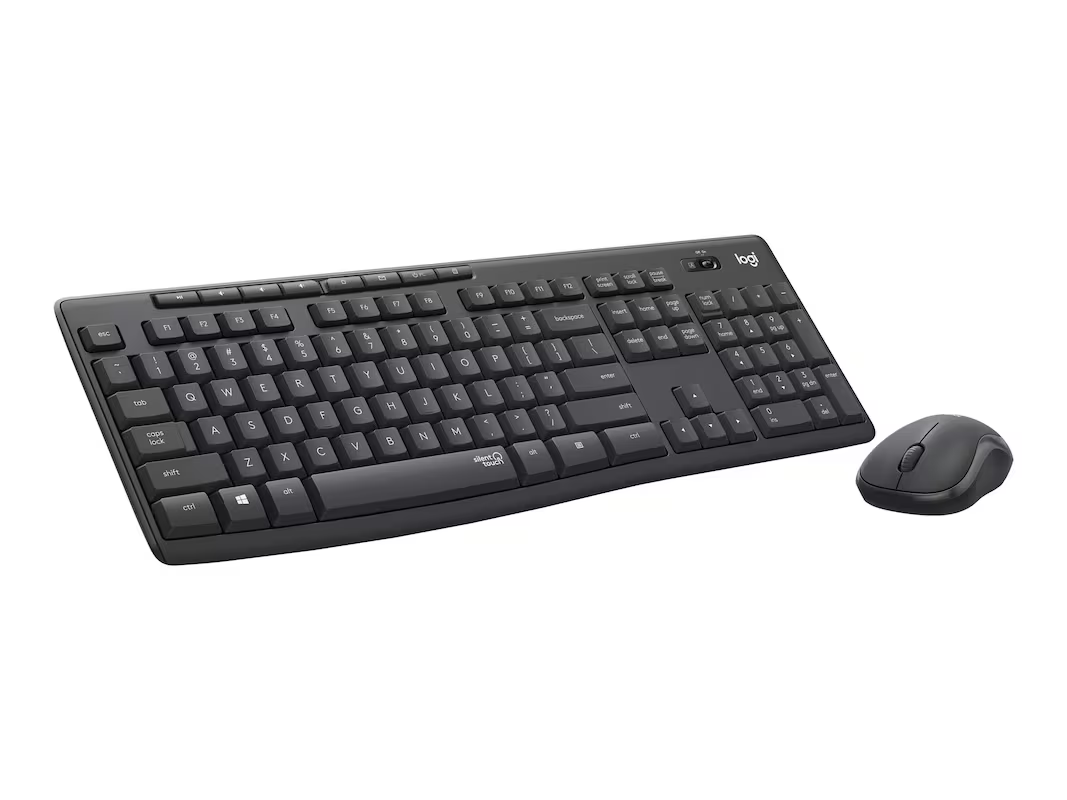
Wireless keyboard and mouse combo with an ultra-slim profile and whisper-quiet keys. Great for clean desk setups.
Who Should Use One
Membrane keyboards are ideal for shared offices, quiet environments, casual home use, or anyone on a tight budget. Their low noise and low cost make them the default choice for most workplaces. If you're not a heavy typist and don't need the precise feedback of a mechanical switch, a decent membrane keyboard is perfectly sufficient — and likely already on your desk.