Mechanical Keyboards
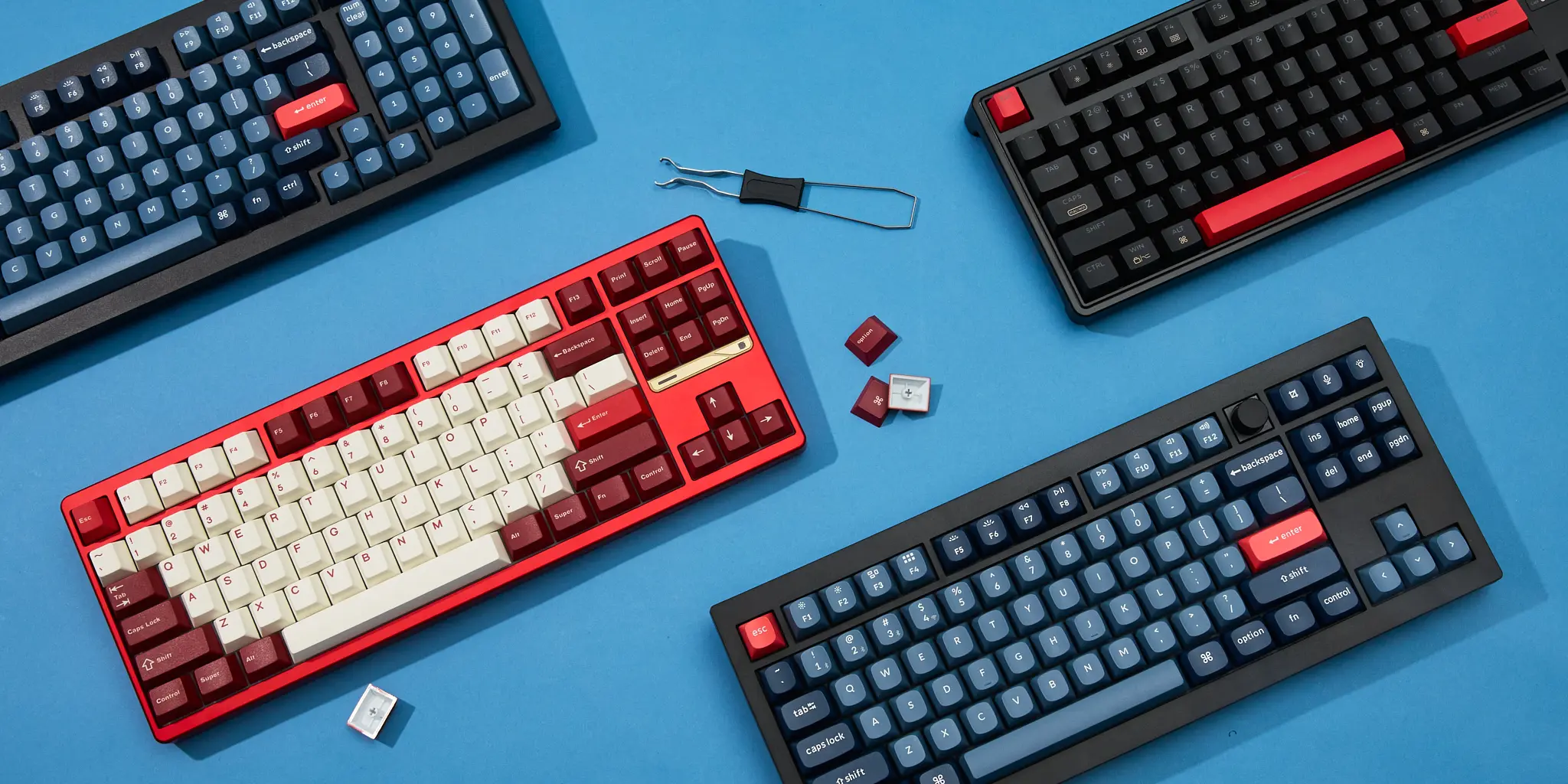
A mechanical keyboard places a dedicated switch beneath every single keycap. Each switch contains a stem, spring, and housing that work together to produce a deliberate, repeatable keystroke with a defined actuation point — giving you the same satisfying response on key #1 as on key #50,000,000.
How They Work
When you press a key, the keycap pushes the switch stem downward against a coil spring. At the actuation point — typically 1.5 to 2 mm of travel — the circuit closes and the keypress registers. The spring then pushes the stem back to its resting position, ready for the next press. Because each key has its own independent mechanism, you get full N-key rollover: every key you hold is registered simultaneously, no ghosting or missed inputs.
Switch Families
Linear
Smooth, uninterrupted travel from top to bottom with no bump or click. Fast and quiet. The go-to choice for gaming. Example: Cherry MX Red, Gateron Yellow.
Tactile
A noticeable bump at the actuation point lets you feel when the key registers without any audible click. Great balance of typing feel and office friendliness. Example: Cherry MX Brown, Gateron Brown.
Clicky
Both a tactile bump and a sharp audible click confirm actuation. Loud, satisfying, and precise — but not office-friendly. Example: Cherry MX Blue, Kailh Box White.
Silent Linear
Linear switches with internal dampening pads that muffle the downstroke and upstroke. Smooth feel at near-membrane noise levels. Example: Cherry MX Silent Red, Gateron Silent Yellow.
Key Specs to Know
Actuation force — measured in grams (g), it's how hard you have to press before the key registers. Light switches (35–45 g) reduce fatigue; heavier ones (60–80 g) prevent accidental presses. Pre-travel is the distance before actuation; total travel is to the bottom-out point. Standard mechanical switches have 2 mm pre-travel and 4 mm total travel. You can hot-swap switches on many modern boards, so you're not locked into your first choice.
Pros
- Distinct actuation point improves accuracy
- Long lifespan — 50 to 100 million keystrokes
- Fully customizable: keycaps, switches, lube, foam
- N-key rollover for precise simultaneous inputs
- Hot-swap boards let you change switches without soldering
- Huge community with endless mods and resources
Cons
- More expensive than membrane keyboards
- Clicky switches are disruptive in shared spaces
- Heavier and taller than most alternatives
- Switch selection can feel overwhelming at first
- Premium custom boards can run into the hundreds
Popular Models
Solid aluminum 65% board with gasket mount and hot-swap sockets. Punches well above its price class.
A benchmark for enthusiasts: per-key RGB, durable PBT keycaps, and excellent stock typing feel.
Hot-swap and modular at a budget price. Great entry point for enthusiasts who want to mod later.
Gaming
Compact tenkeyless with swappable switches and a solid build preferred by many esports pros.
Who Should Use One
Mechanical keyboards suit anyone who types heavily throughout the day, programs for long hours, plays fast-paced games, or simply wants a more satisfying and customizable input device. If longevity and feel matter more than portability and price, mechanical is almost always the right answer.